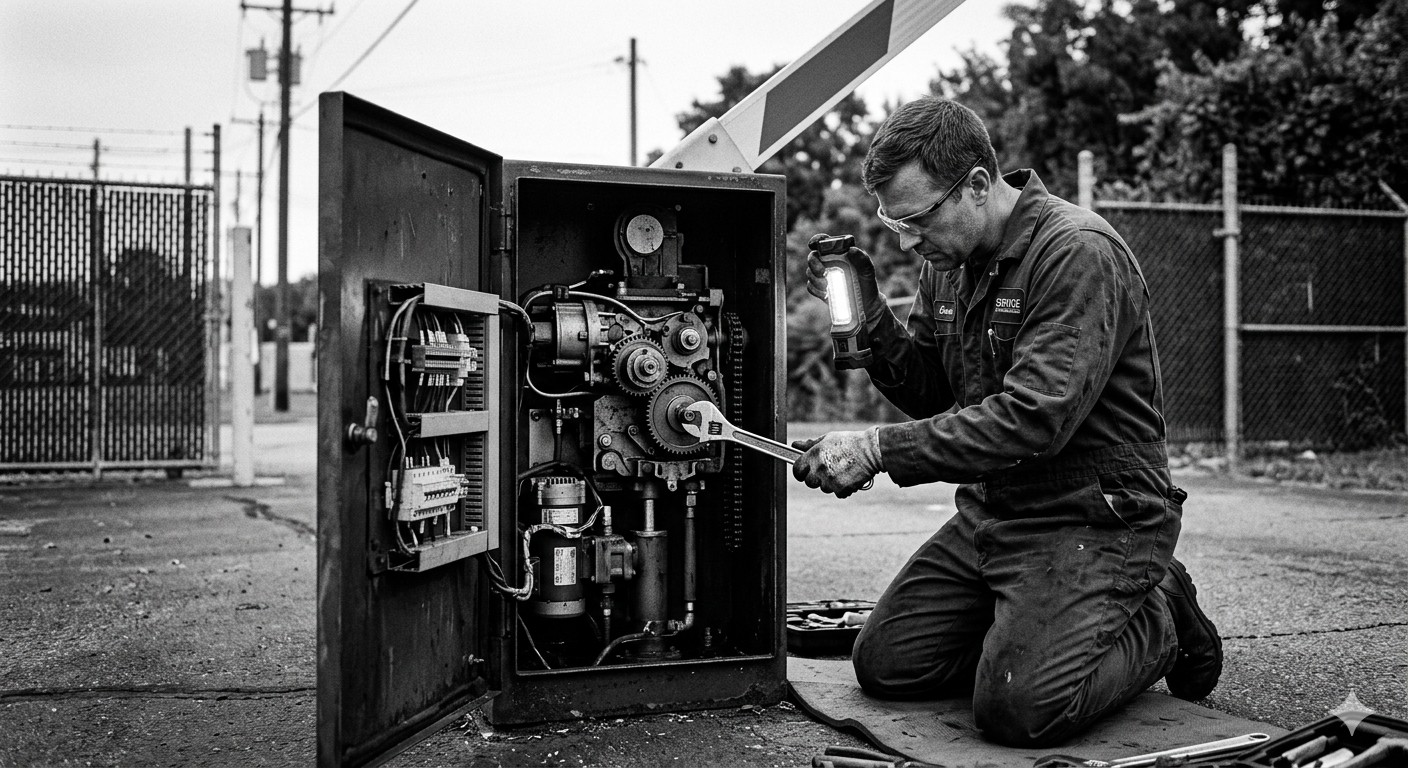
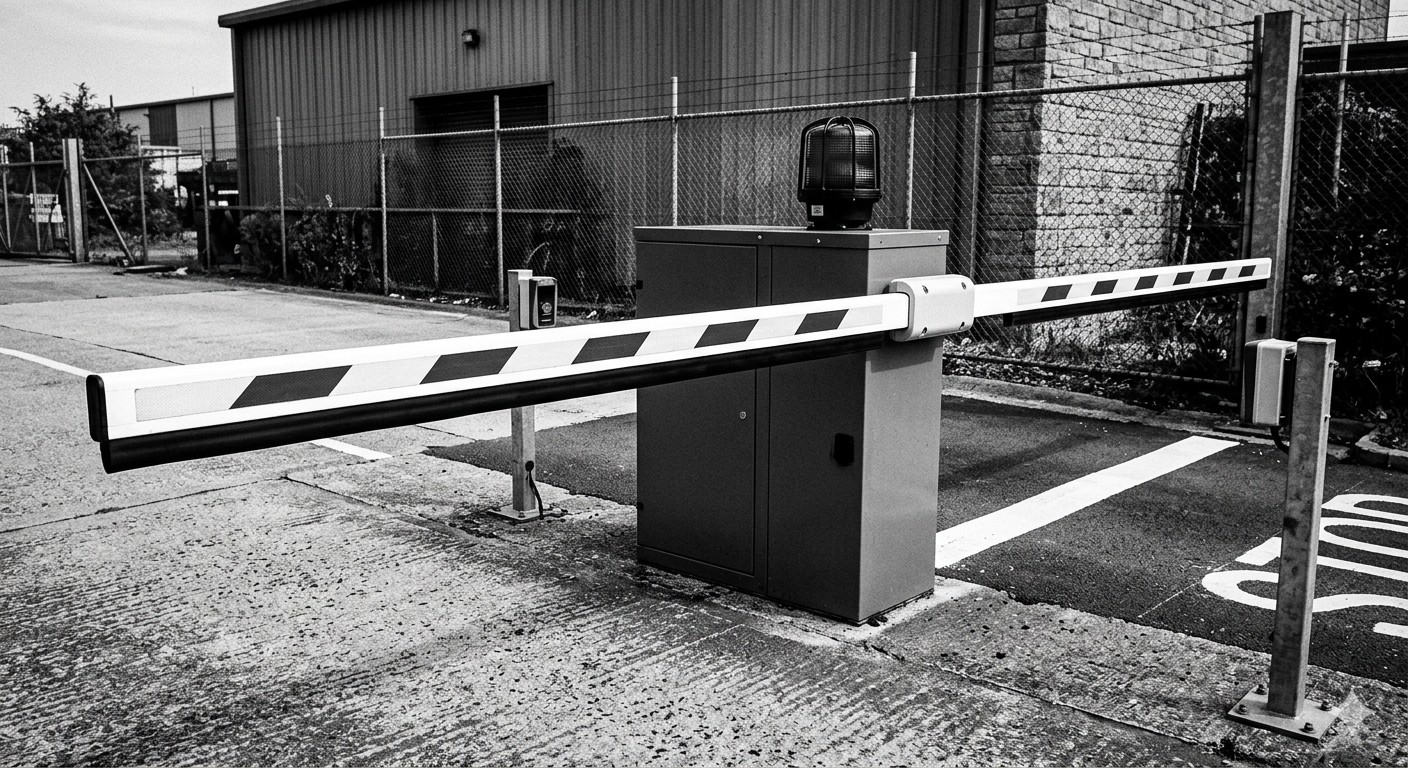
Barrier gates fail. It does not matter whether you installed a premium unit from Magnetic Autocontrol or a budget model from a regional supplier. Mechanical systems in outdoor environments, handling thousands of cycles per month, will eventually develop problems. The question is not whether you will troubleshoot a gate, but whether you will do it efficiently when the moment arrives.
This field guide covers the most common barrier gate problems, their likely causes, and the diagnostic steps that get the gate back in service quickly. It is written for facility managers, parking operators, and maintenance technicians who need practical answers, not theoretical overviews.
Before You Start: Safety First
Barrier gates contain moving parts, electrical components, and spring-loaded mechanisms that store significant energy. Before troubleshooting: disconnect power before opening any enclosure, lock out/tag out if multiple people are working, never reach into a powered mechanism, wear appropriate PPE (safety glasses near springs, insulated gloves for electrical work), and know the manual release procedure for your gate model.
The NFPA 70E standard covers electrical safety in the workplace and applies to barrier gate maintenance. UL 325, the standard for gate operators, includes safety provisions that technicians should understand.
Problem 1: Gate Arm Does Not Rise
This is the most common and most urgent problem. Vehicles are waiting, and the arm is not moving.
Diagnostic Steps
Check power first. Verify that the gate mechanism has power. Look for indicator lights on the controller board. If all lights are dark, the problem is upstream of the gate.
- Is the circuit breaker tripped?
- Is the GFCI outlet tripped (common in outdoor installations)?
- Has a power surge damaged the power supply?
- Is the UPS (if installed) depleted?
Check for obstruction. Most modern gates have safety sensors (photoelectric beams, induction loops, or infrared detectors) that prevent the arm from moving if an obstruction is detected. A misaligned sensor will make the gate think something is in the way.
- Walk the lane and look for debris, snow buildup, or displaced bollards
- Check photoelectric beam alignment — the transmitter and receiver LEDs should be steady, not flashing
- Test the induction loop — a loop detector with a stuck “vehicle present” indication will lock the gate
Check the arm itself. Is the arm physically obstructed? Is it disconnected from the drive mechanism? Some gates have a manual release that may have been activated and not reset.
Check the controller. If power is present and no obstruction is detected, the issue may be in the controller logic.
- Look for error codes on the controller display
- Check if the controller is receiving the “open” command from the access control system
- Try activating the gate with the manual open button on the controller. If it works, the problem is in the access control system, not the gate mechanism
Common Causes
| Symptom | Likely Cause | Fix |
|---|---|---|
| No power indicators | Tripped breaker or GFCI | Reset breaker; replace GFCI if it trips repeatedly |
| Power present, no movement | Blown motor fuse | Replace fuse; investigate cause of overcurrent |
| Arm starts to rise, then stops | Safety sensor triggered | Realign photoelectric beams; check loop detector |
| Motor hums but arm does not move | Mechanical coupling failure | Inspect drive gear, clutch, or belt |
| Controller shows error code | Various | Consult manufacturer manual for code definition |
Problem 2: Gate Arm Does Not Lower
The arm goes up but stays up, or descends only partway. This creates a security gap and revenue loss.
Diagnostic Steps
Check the auto-close timer. Most gates have a configurable delay before the arm closes after a vehicle passes. Verify the timer setting has not been changed or corrupted.
Check the exit loop. An induction loop behind the gate detects when a vehicle has cleared. If the loop detector is faulty or the loop wire is damaged, the gate may think a vehicle is still present and refuse to close.
- Test the loop detector indicator — it should show “vehicle present” only when a vehicle is over the loop
- Check for loop wire damage from pavement cuts, water infiltration, or freeze-thaw cracking
Check the safety edge or sensor. The closing path of the arm is monitored by a safety edge (a rubber strip with a contact switch) or a sensor beam. If the safety edge is damaged or the sensor is misaligned, the gate will not complete its downward travel.
Check for mechanical resistance. A bent arm, a damaged pivot bearing, or ice on the arm can prevent full closure. In cold climates, ice accumulation on the arm and mechanism is a recurring issue.
Common Causes
| Symptom | Likely Cause | Fix |
|---|---|---|
| Arm stays up after vehicle passes | Exit loop not detecting clearance | Repair or replace loop; check loop detector sensitivity |
| Arm starts to lower, reverses | Safety edge or sensor triggered | Inspect safety edge for damage; realign sensor |
| Arm descends slowly or stops midway | Hydraulic fluid low (hydraulic gates) | Check fluid level; inspect for leaks |
| Arm stays up, no error code | Auto-close timer disabled or set too long | Adjust timer setting in controller |
Problem 3: Gate Opens Slowly or Erratically
When the gate operates but not at the expected speed or with inconsistent behavior.
Diagnostic Steps
Check the motor. A motor that is overheating, losing capacitance, or has worn brushes will operate slowly and inconsistently.
- Listen for unusual sounds: grinding, clicking, or high-pitched whining
- Feel the motor housing (carefully, it may be hot). Excessive heat indicates a problem
- Check the motor capacitor (on single-phase motors) — a failing capacitor causes slow starts and reduced power
Check the drive mechanism. Barrier gates use different drive types: belt-driven (common in CAME and Nice models), gear-driven (FAAC and Magnetic Autocontrol), hydraulic (some heavy-duty models), and direct-drive. Check belt tension, gear teeth, fluid levels, or motor output depending on your drive type.
Check the power supply. Low voltage at the motor terminals causes slow operation. Measure voltage during operation, not just at rest. Voltage drop under load indicates undersized wiring, a loose connection, or a failing power supply.
Check environmental factors. Extreme cold thickens lubricants. Extreme heat triggers motor thermal cutouts. Water infiltration corrodes connections.
Problem 4: Access Control System Not Communicating
The gate mechanism works fine when tested manually, but it does not respond to the access control system (card reader, LPR, software command).
Diagnostic Steps
Verify the chain of communication:
- Does the credential reader activate when a card is presented or a plate is read? (Check LED indicators)
- Does the access controller receive the read? (Check the controller log)
- Does the access controller send an “open” command? (Check the output relay or digital output)
- Does the gate controller receive the command? (Check the input terminal)
- Does the gate mechanism respond to the command? (Test with manual open)
The problem is at the step where the chain breaks.
| Break Point | Likely Cause | Fix |
|---|---|---|
| Reader does not activate | Reader power failure or hardware fault | Check reader power supply; replace reader |
| Controller does not receive read | Wiring fault between reader and controller (Wiegand, OSDP) | Check cable continuity; inspect connections |
| Controller does not send command | Credential not in database or access rule blocks it | Verify credential enrollment; check access schedules |
| Gate controller does not receive command | Relay wiring fault or interface mismatch | Check relay output wiring; verify protocol compatibility |
| Gate mechanism does not respond | See Problem 1 (mechanical/electrical gate issues) | Follow Problem 1 diagnostic steps |
For more on how access control technologies interact with barrier gates, see our RFID vs. LPR vs. ticket access control guide.
Problem 5: Loop Detector Issues
Induction loops (wires buried in the pavement) are the workhorses of barrier gate sensing. They detect vehicles at entry, exit, and in the safety zone under the arm. When they fail, the entire system misbehaves.
Symptoms of Loop Problems
- Gate does not respond to arriving vehicles (entry loop failure)
- Gate does not close after a vehicle passes (exit loop failure)
- Gate cycles randomly with no vehicle present (phantom detection)
- Gate opens for pedestrians, shopping carts, or bicycles (sensitivity too high)
Diagnostic Steps
Test loop resistance. Disconnect the loop wire from the detector and measure resistance with a multimeter. A healthy loop typically reads 20-200 ohms depending on size and wire gauge. An open circuit (infinite resistance) means a wire break. Very low resistance suggests a short.
Test loop inductance. If you have an inductance meter, measure the loop. Typical values are 50-500 microhenries. Values outside the expected range for the loop size indicate damage.
Check the loop detector. Most loop detectors have sensitivity and frequency adjustments. A detector that has drifted out of its optimal sensitivity range will miss vehicles or trigger on noise.
- Adjust sensitivity per manufacturer guidelines
- Change the operating frequency if adjacent loops are interfering with each other (crosstalk)
Inspect the pavement. Loop wire failures are often caused by pavement damage: cracks that sever the wire, water infiltration that corrodes it, or construction work that cuts it.
Loop Replacement
If the loop wire is damaged, replacement involves saw-cutting a new channel in the pavement, laying new wire (typically 3-4 turns of 14 AWG stranded), running lead-in wire to the detector in conduit, sealing the channel, and tuning the detector. This is a job for a trained technician. Improperly installed loops fail prematurely.
Problem 6: Weather-Related Failures
Outdoor barrier gates face rain, snow, ice, heat, lightning, and wind. Key weather problems and their solutions:
| Weather Condition | Problem | Solution |
|---|---|---|
| Cold / ice | Arm travel blocked; frozen pivot mechanisms | Heated arm attachments; low-temperature grease |
| Cold | Loop wire frost heave breaks wires | Flexible loop sealant; proper installation depth |
| Heat | Motor thermal overload; controller overheating | Ventilated housings; cooling fans; shade structures |
| Heat / sun | LPR camera glare reduces accuracy | Camera hoods; IR illumination; repositioning |
| Moisture | Corrosion of connections and circuit boards | IP65-rated enclosures; proper drainage around bases |
| Lightning | Destroyed controllers, readers, motor drives | Surge protection on all power and data lines; proper grounding |
The IPMI publishes maintenance guidelines that address seasonal factors in barrier gate operations.
Problem 7: Software and Configuration Errors
Not all barrier gate problems are hardware failures. Software misconfigurations cause plenty of operational headaches.
Common Software Issues
- Access schedules wrong — the gate denies valid credentials outside of business hours because the schedule was not updated for daylight saving time or a holiday
- Rate table errors — the payment system charges incorrectly because a rate change was not propagated to all lanes
- Firmware mismatch — a controller firmware update is incompatible with the gate mechanism firmware
- Database corruption — the credential database becomes corrupted, causing random access denials
- Network timeout — cloud-based systems that lose connectivity may fail to process transactions if offline caching is not configured
Diagnostic Approach
Software problems require methodical log review. Check:
- System logs for error messages and timestamps
- Access control logs for denied transactions and the reasons
- Network logs for connectivity drops
- Configuration change logs for recent modifications that correlate with the problem onset
When to Call a Professional
Not every problem can or should be fixed in-house. Call a qualified technician when:
- The motor makes burning smells or shows visible damage
- A spring mechanism has broken or is under abnormal tension
- The controller board has visible burn marks or failed components
- Loop replacement is needed (pavement cutting requires specialized equipment)
- The problem persists after basic troubleshooting and you cannot identify the cause
- Any work involves high-voltage electrical connections
Manufacturers like CAME, FAAC, Magnetic Autocontrol, Nice/HiSpeed, and Parking BOXX maintain dealer and service networks. Parking BOXX provides barrier gate support resources including technical documentation and service coordination.
For a structured approach to keeping gates running before problems occur, see our barrier gate preventive maintenance schedule.
Troubleshooting Quick Reference
| Problem | First Check | Second Check | Third Check |
|---|---|---|---|
| Arm does not rise | Power/breaker | Safety sensors | Motor/fuse |
| Arm does not lower | Exit loop detector | Safety edge | Auto-close timer |
| Slow operation | Motor capacitor | Drive mechanism | Power supply voltage |
| No communication | Reader power/LED | Wiring continuity | Controller relay output |
| Phantom activations | Loop detector sensitivity | Adjacent loop crosstalk | Environmental interference |
| Intermittent failures | Loose connections | Water infiltration | Thermal cycling |
| Random errors after update | Firmware version match | Configuration backup | Rollback to previous version |
Building a Troubleshooting Kit
Every facility should keep a basic kit on site: digital multimeter, loop inductance meter, flashlight and inspection mirror, basic hand tools (screwdrivers, pliers, wire strippers), spare fuses matched to installed gate models, electrical tape, printed manufacturer manuals, and an emergency service provider contact list.
For more on how the internal mechanisms of barrier gates work, see our guide on barrier gate motors and mechanisms.
Key Takeaways
- Most barrier gate problems fall into a small number of categories: power loss, sensor faults, mechanical wear, loop detector failure, and software misconfiguration. Systematic diagnosis based on the category gets the gate running faster than random part swapping.
- Always check power first. A tripped breaker is the most common cause of a completely unresponsive gate.
- Induction loop problems are the most frequent recurring issue in barrier gate maintenance. Understanding how to test loop resistance and detector sensitivity saves significant downtime.
- Weather is a persistent adversary. Cold, heat, moisture, and lightning all attack different parts of the system. Preventive measures (heaters, surge protection, sealed enclosures) pay for themselves in avoided failures.
- Know when to escalate. Motor damage, spring mechanisms, and pavement work are professional-grade repairs. Attempting them without training creates safety risks and can worsen the problem.
- Keep a troubleshooting kit and manufacturer manuals on site. When a gate fails at 6 AM on a Monday, you need tools and information immediately, not a purchase order.