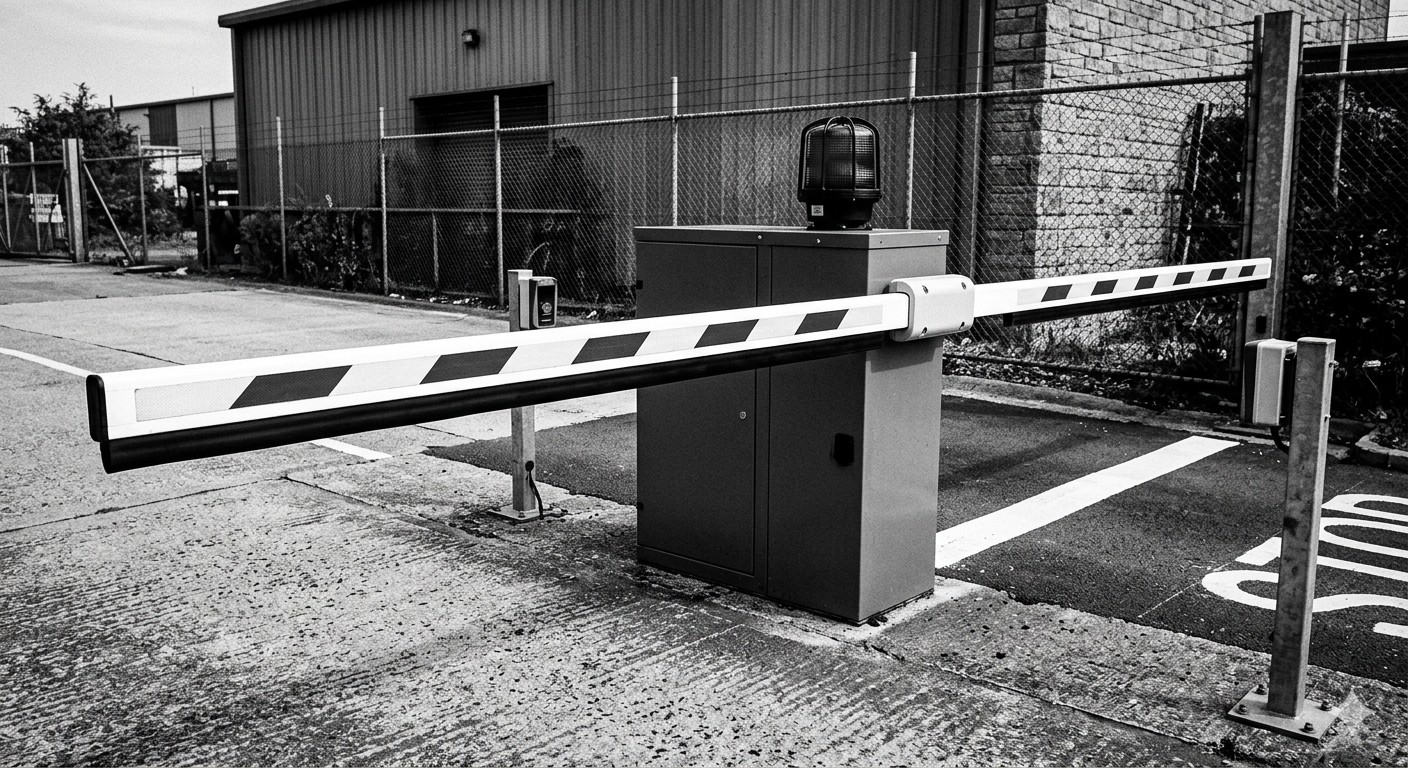
A barrier gate without software behind it is just a mechanical arm. It opens, it closes, and it tells you nothing about who entered, when they left, how much revenue the lot generated, or whether space 4B on level 3 has been occupied for 72 hours. The real value of a modern barrier gate system lives in the software layer that connects hardware to data, and data to decisions.
This guide covers how parking management software integrates with barrier gate hardware, what to look for in a platform, and how to avoid the integration pitfalls that derail otherwise sound parking operations.
What Parking Management Software Actually Does
Parking management software, often called PARCS (Parking Access and Revenue Control Systems) when it includes both access and payment functions, is the operating system for a parking facility. It handles:
- Access decisions — determining whether a vehicle is authorized to enter or exit
- Revenue processing — calculating fees, accepting payments, and tracking collections
- Occupancy monitoring — counting vehicles in real time across zones and levels
- Credential management — issuing, modifying, and revoking permits, cards, and plate registrations
- Reporting and analytics — generating operational, financial, and compliance reports
- Event and rate management — applying dynamic pricing, event rates, and validation programs
- Alerting and monitoring — notifying operators of equipment faults, revenue anomalies, or security events
The barrier gate is the physical enforcement point for these functions. When the software says “allow,” the gate opens. When it says “deny” or “pay first,” the gate stays down.
The Integration Architecture
How Software Talks to Gates
The connection between parking management software and barrier gate hardware follows one of several patterns:
Direct serial or IP connection — The software communicates directly with the gate controller via RS-485, RS-232, or TCP/IP. This is common in on-premise systems where the server sits in a facility closet. Commands are simple: open, close, status query.
Controller-mediated — An access controller sits between the software and the barrier gate mechanism. The controller handles real-time decisions (is this credential valid?) using a local database, and syncs with the central software on a schedule or in real time. If the network goes down, the controller keeps operating from its local cache.
Cloud API — In cloud-based systems, the barrier gate controller communicates with a cloud platform over the internet. Access decisions may be made in the cloud or cached locally. This architecture enables remote management from anywhere but depends on reliable connectivity.
Hybrid — Many modern systems use a hybrid approach: local controllers make real-time access decisions, while the cloud platform handles reporting, configuration changes, and remote monitoring.
| Architecture | Latency | Offline Capability | Remote Management | Typical Use Case |
|---|---|---|---|---|
| Direct serial/IP | Very low | Yes (local server) | Limited | Single-site legacy systems |
| Controller-mediated | Low | Yes (local cache) | Moderate | Multi-facility operators |
| Cloud API | Variable | Depends on caching | Full | Distributed portfolios |
| Hybrid | Low | Yes (local + cloud) | Full | Most new installations |
Key Integration Points
A fully integrated barrier gate and software system connects at these points:
- Entry lane — reader sends credential data to the software; software returns an access decision; gate opens or stays closed
- Exit lane — software calculates duration and fee; payment terminal collects payment; software confirms; gate opens
- Pay-on-foot station — guest pays before returning to vehicle; software updates their record; exit gate opens without further payment
- Validation terminal — merchant or front desk applies a discount or complimentary code; software adjusts the exit fee
- Occupancy counters — gate lane sensors feed entry/exit counts to the software for real-time occupancy
- LPR cameras — plate images and reads are sent to the software for matching and logging
- Digital signage — software pushes occupancy and rate information to signs at the facility entrance
Cloud vs. On-Premise: The Decision That Shapes Everything
The choice between cloud-based and on-premise parking management software affects cost, flexibility, maintenance burden, and how barrier gates behave during network outages.
On-Premise Software
The server lives in your facility. All data stays local. You (or your IT team) manage updates, backups, and security.
Advantages:
- No dependency on internet connectivity
- Full data control
- Potentially lower long-term cost for single-site operations
Disadvantages:
- You own the hardware and maintenance
- Updates require on-site intervention
- Multi-site management requires VPN or dedicated networking
- Scaling means buying more server capacity
Cloud-Based Software
The platform runs in a data center. You access it via browser or app. The vendor handles updates, uptime, and backups.
Advantages:
- Remote access from anywhere
- Automatic updates and feature releases
- Easier multi-site management
- Lower upfront capital expenditure
Disadvantages:
- Monthly subscription costs accumulate
- Depends on internet connectivity (mitigated by local caching)
- Data resides with the vendor
- Less customization flexibility
What the Industry Is Doing
The parking industry has shifted decisively toward cloud-based platforms over the past five years. The IPMI has documented this trend in its annual technology surveys, noting that new installations overwhelmingly favor cloud or hybrid architectures. The operations community at Parking Operator Hub has also covered the practical implications of this shift for day-to-day facility management.
That said, high-security facilities (government, military, some healthcare) still deploy on-premise systems for data sovereignty reasons.
What to Look for in Parking Management Software
Not every platform integrates equally well with all barrier gate hardware. Before committing to a software vendor, evaluate these factors:
Hardware Compatibility
Does the software support your existing or planned barrier gate hardware? Some platforms are tightly coupled to specific manufacturers (vendor-locked), while others use open protocols that work with gates from CAME, FAAC, Magnetic Autocontrol, Nice/HiSpeed, Parking BOXX, and others.
Ask specifically:
- Which barrier gate manufacturers have certified integrations?
- Is the integration bidirectional (software can read gate status AND send commands)?
- What happens if you want to swap hardware vendors later?
Access Control Flexibility
The software should support the credential types your facility uses:
- RFID and proximity cards
- License plate recognition
- QR codes and mobile credentials
- PIN codes
- Intercom and remote release
- Biometric (emerging in high-security applications)
It should also support layered rules: time-of-day restrictions, zone-based access, credential expiration, and group management.
For an overview of how different credential technologies compare, see our RFID vs. LPR vs. ticket access control guide.
Revenue Management
If your facility charges for parking, the software must handle:
- Multiple rate structures (hourly, daily, event, monthly)
- Validation programs (merchant, employer, hospital)
- Dynamic and time-of-day pricing
- Tax calculation and reporting
- Payment processing (credit card, mobile, cash via pay stations)
- Revenue reconciliation and audit trails
Reporting and Analytics
The reporting module is where software separates itself from simple gate controllers. Look for:
- Real-time occupancy dashboards
- Revenue reports by lane, lot, rate type, and time period
- Utilization trends over weeks and months
- Exception reports (forced entries, tailgating, revenue anomalies)
- Exportable data for finance and audit teams
API and Third-Party Integration
Modern parking management platforms expose APIs that connect to other business systems:
- Property management systems (for hotels and mixed-use)
- ERP and accounting software (for financial consolidation)
- Security and surveillance platforms (for incident correlation)
- Guidance and wayfinding systems (for real-time space availability)
- EV charging management (for combined parking + charging billing)
- Municipal platforms (for cities managing public parking assets)
Parking BOXX offers parking lot management software with API-based integration to barrier gates and third-party systems, while their parking control systems bundle hardware and software into integrated packages. The blog at blog.parkingboxx.com covers integration scenarios and deployment guides.
Common Integration Pitfalls
Pitfall 1: Assuming All Gates Speak the Same Protocol
Barrier gate manufacturers use different communication protocols. Wiegand, OSDP, RS-485, TCP/IP, and proprietary protocols all exist in the market. If your software expects OSDP and your gate controller speaks only Wiegand, you need a protocol converter, or a different gate.
Prevention: Map out the protocol requirements on both sides before procurement.
Pitfall 2: Ignoring Offline Behavior
Cloud-based systems must degrade gracefully when connectivity drops. If the internet goes down and your barrier gate does not know what to do, you have a parking lot full of trapped vehicles.
Prevention: Require that local controllers cache enough data to make access decisions independently for at least 24 hours.
Pitfall 3: Underestimating Data Migration
Switching software platforms means migrating permits, credentials, transaction history, and rate configurations. This is rarely as simple as an export-import.
Prevention: Budget time and resources for data migration. Run parallel systems during the transition.
Pitfall 4: Skipping the Pilot
Rolling out a new software platform across a multi-facility operation in one shot is high risk. A bug that seemed minor in testing becomes a crisis when it hits 10 sites simultaneously.
Prevention: Deploy at one facility first. Run for 30-60 days. Fix issues. Then expand.
Pitfall 5: Neglecting User Training
Parking management software is only as effective as the people using it. Facility managers, gate attendants, and IT staff all need training on their respective modules.
Prevention: Include training requirements and costs in the vendor contract.
The Vendor Ecosystem
The parking management software market includes both pure-software vendors and hardware manufacturers that offer integrated platforms.
Pure-software platforms (e.g., ParkHub, Sentry Control Systems, T2 Systems) typically support a wider range of barrier gate hardware but may require more integration effort.
Integrated platform vendors (e.g., Parking BOXX, Skidata, Scheidt & Bachmann) provide software and hardware as a package. Integration is tighter, but you are more committed to that vendor’s ecosystem.
Open-architecture approaches use standardized protocols (OSDP, PARCS Alliance standards) to mix and match software and hardware from different manufacturers. This offers flexibility but requires more technical sophistication during deployment.
Measuring Integration Success
How do you know if your barrier gate and software integration is working well? Track these metrics after deployment:
| Metric | Target | What It Tells You |
|---|---|---|
| Gate response time | Under 2 seconds from credential read to arm opening | Integration latency and controller performance |
| Failed access attempts | Under 3% of total transactions | Credential management and reader reliability |
| Revenue variance | Under 1% between POS totals and bank deposits | Payment processing integrity |
| System uptime | 99.5%+ | Hardware and software reliability |
| Help desk ticket volume | Declining month-over-month post-launch | User adoption and system stability |
ROI of Proper Integration
A well-integrated barrier gate and software system pays for itself through several channels. For a detailed framework on calculating these returns, see our barrier gate ROI and payback period guide.
The short version: facilities that move from standalone gate controllers to integrated management platforms typically see 10-25% improvement in revenue capture, 30-50% reduction in manual processing labor, and measurably faster issue resolution through automated alerts and remote management.
Key Takeaways
- Parking management software transforms barrier gates from mechanical devices into data-driven decision points. Without it, you have access control. With it, you have a parking operation.
- The integration architecture (direct, controller-mediated, cloud, or hybrid) determines how the system behaves in real-time and during outages. Choose based on your connectivity reality and management needs.
- Cloud-based platforms dominate new installations, but on-premise systems still serve facilities with strict data control requirements.
- Hardware compatibility is not automatic. Verify protocol support between your chosen software and barrier gate hardware before procurement.
- Plan for offline operation, data migration, phased rollout, and user training. These are the areas where integration projects most commonly fail.
- Measure integration success with concrete metrics: gate response time, failed access rates, revenue variance, and system uptime.