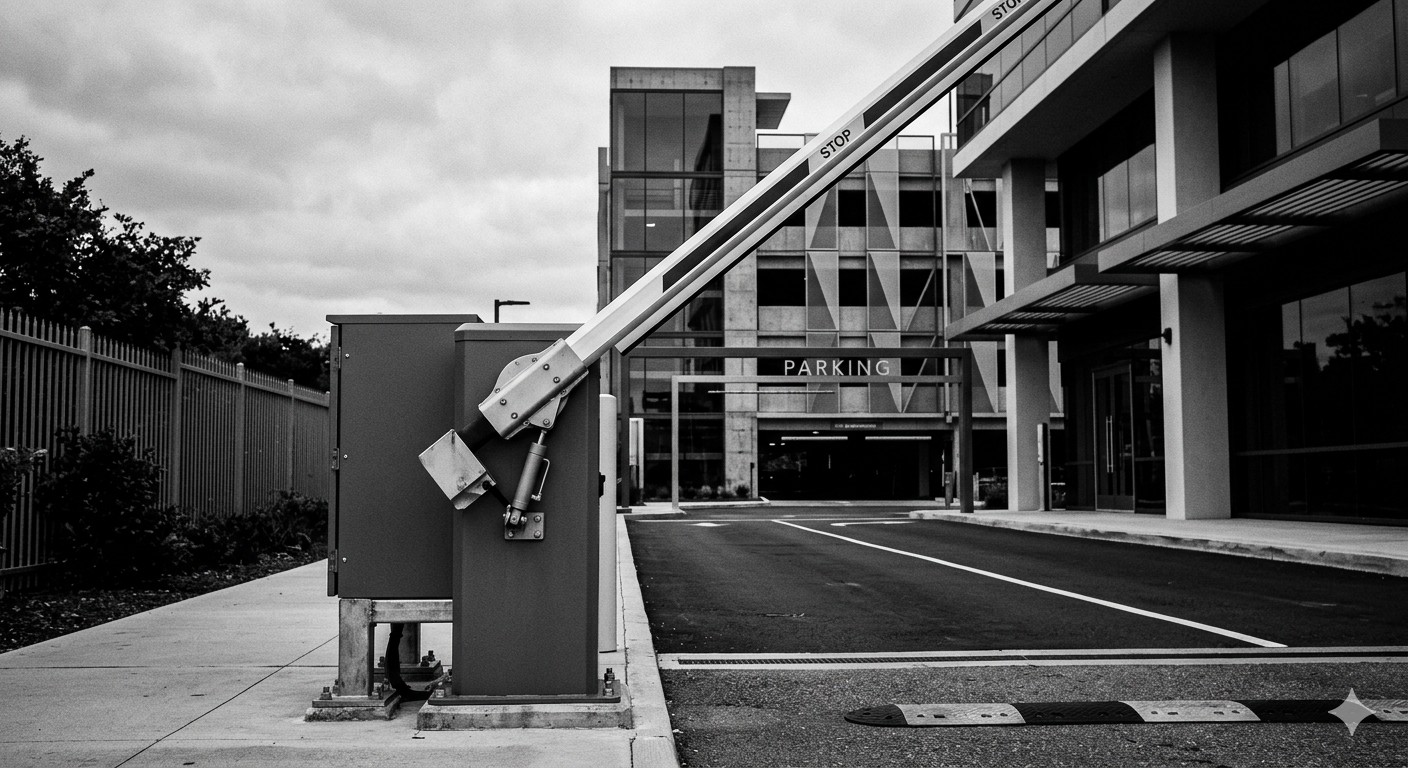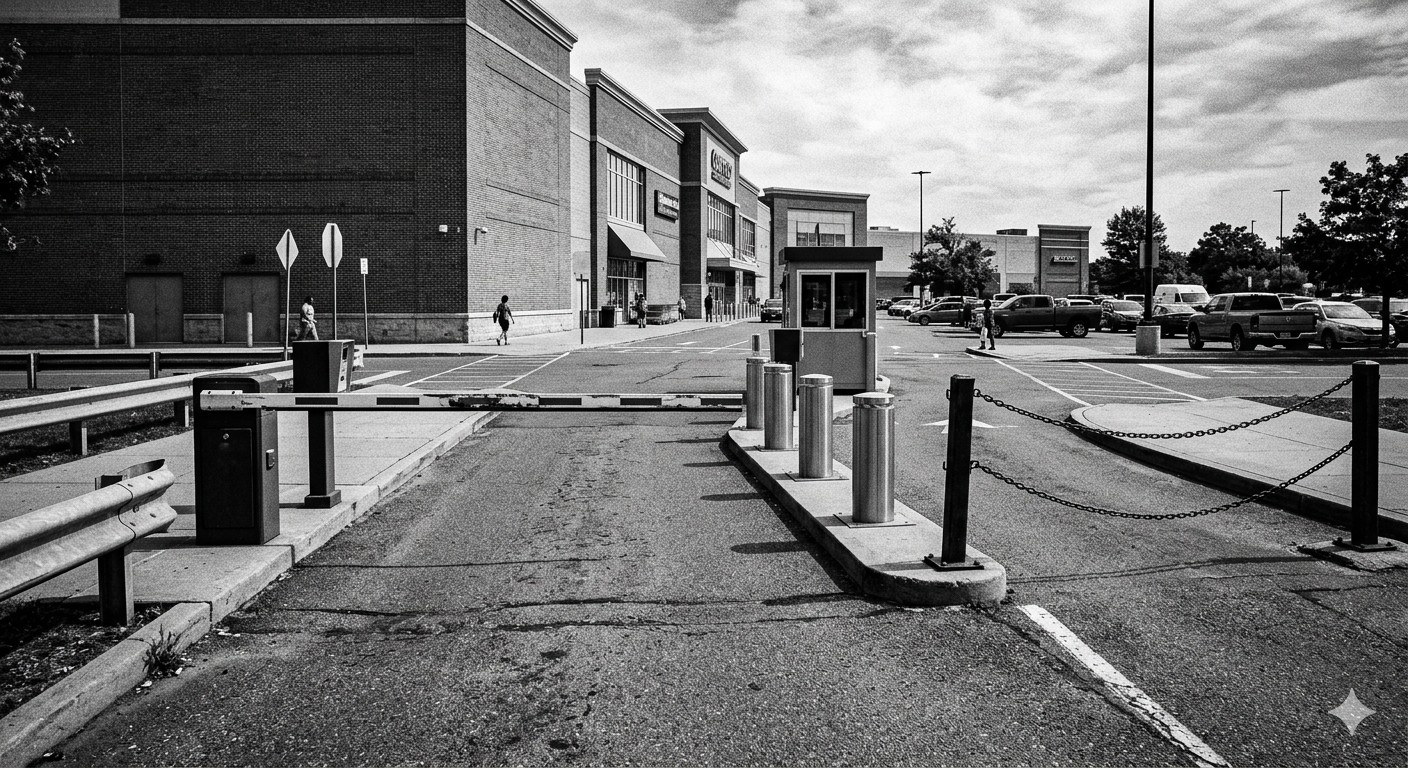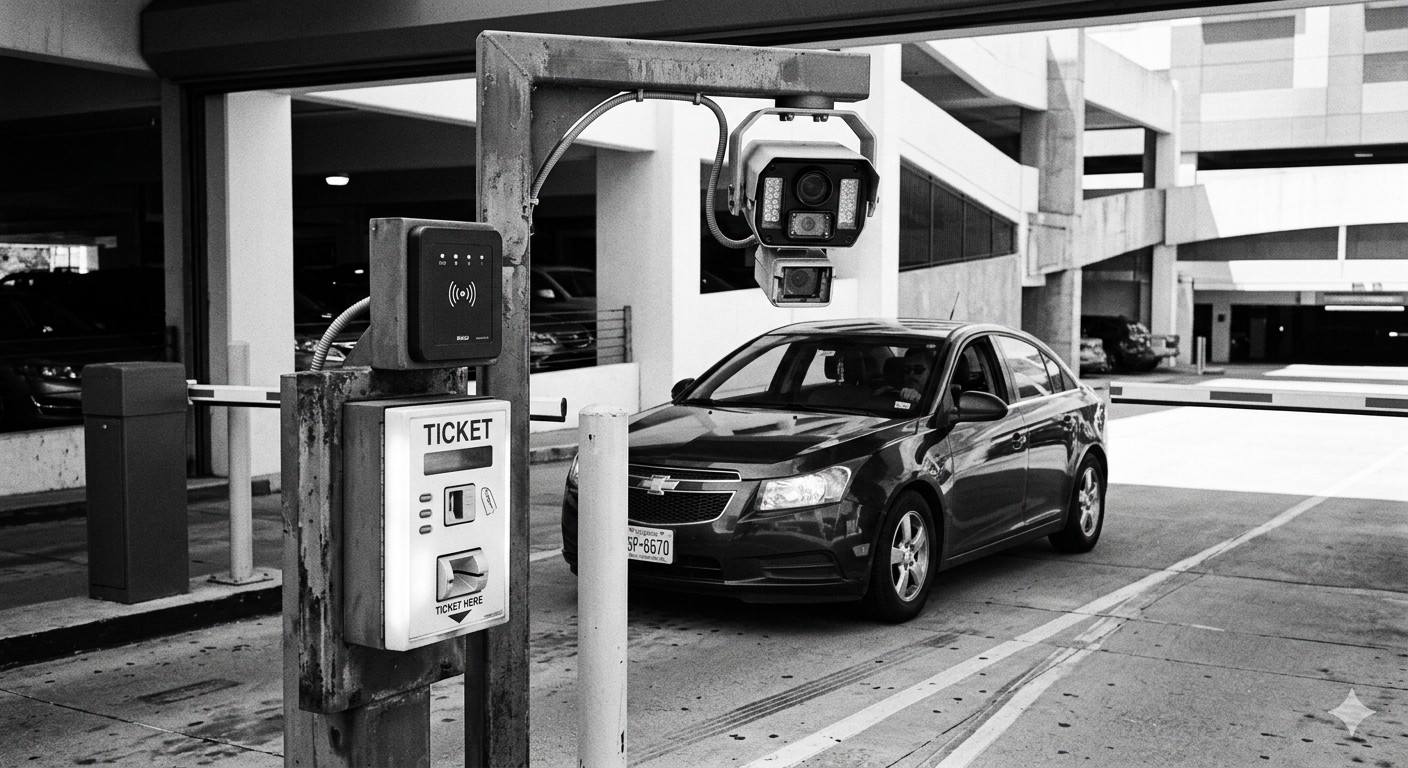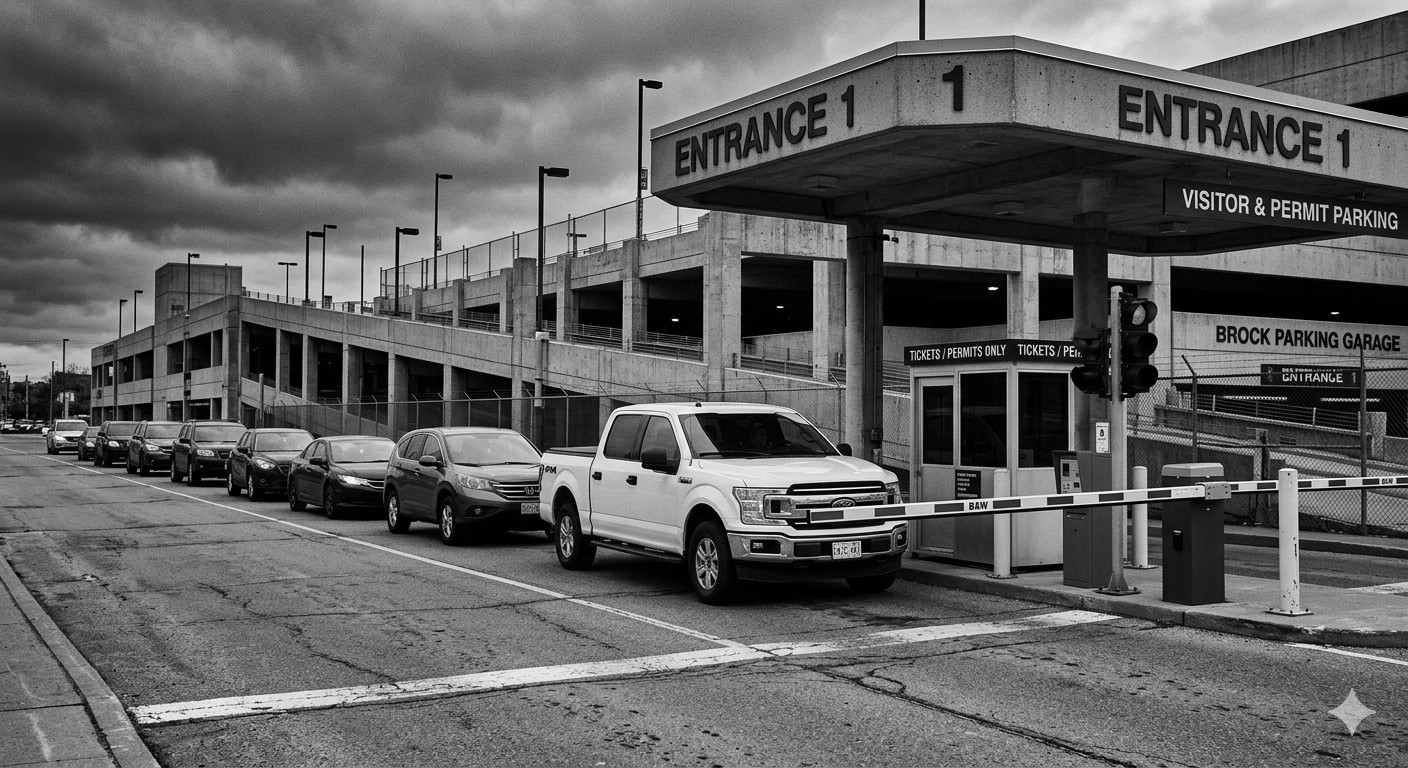
If you manage a commercial property — an office complex, retail center, medical campus, or mixed-use development — the parking lot gate is the first piece of infrastructure every visitor and tenant interacts with. When it works, nobody thinks about it. When it fails, your phone rings.
This guide covers what facility managers need to know about selecting, deploying, and maintaining commercial parking lot gates. The focus is practical: specifications that matter for commercial applications, compliance requirements you cannot ignore, and operational realities that equipment brochures rarely mention.
What Makes a Gate “Commercial Grade”?
The term “commercial grade” gets used loosely by manufacturers and dealers. Here is what it should mean in practice:
Duty Cycle
A commercial parking lot gate must be rated for the actual traffic volume it will serve. Most commercial applications require at least an 80% duty cycle, and high-traffic lots need 100% continuous operation.
| Lot Size | Typical Peak Vehicles/Hour | Minimum Duty Cycle |
|---|---|---|
| Small office lot (50 – 100 spaces) | 30 – 60 | 70% – 80% |
| Medium commercial lot (100 – 300 spaces) | 60 – 150 | 80% – 90% |
| Large lot or garage (300 – 1,000 spaces) | 150 – 400 | 90% – 100% |
| High-traffic facility (1,000+ spaces) | 400+ | 100% (continuous) |
Installing a gate rated below your actual demand is the most common and most expensive mistake in commercial parking. The motor overheats, components wear prematurely, and you end up replacing the gate — or dealing with chronic downtime — within two to three years.
Build Quality
Look beyond the brochure photos. Commercial-grade construction means:
- Steel housing with powder-coat or galvanized finish, not painted sheet metal
- Sealed electronics with an IP rating of IP44 or higher for outdoor use
- Stainless steel hardware at all external fastening points
- Serviceable design — can a technician replace the motor or board without disassembling the entire unit?
Safety Compliance
In the United States, commercial gate operators should comply with UL 325, the standard for door, drapery, gate, louver, and window operators. UL 325 addresses entrapment protection — the mechanisms that prevent a gate arm from injuring a person or damaging a vehicle. This is not optional for commercial installations. Insurance carriers and local building departments increasingly require UL 325 compliance.
Selecting the Right Gate for Your Facility
Step 1: Define Your Requirements
Before contacting vendors, document these parameters:
- Number of access lanes (entry, exit, reversible)
- Lane width at each location (determines arm length)
- Peak-hour vehicle count (determines duty cycle and speed requirements)
- Access control method — cards, fobs, mobile credentials, LPR, tickets, or a combination
- Payment/revenue requirements — is this a paid lot, validated parking, or access-only?
- Integration needs — what existing systems must the gate connect to?
- Environmental conditions — temperature extremes, wind, salt air, dust
- Power availability at each gate location
- Network connectivity requirements
Step 2: Evaluate Manufacturers
The commercial barrier gate market has several established players. Each has strengths in different segments.
| Manufacturer | Commercial Strength | Notable For |
|---|---|---|
| CAME | Wide product range, strong dealer network | Versatile across residential and commercial |
| FAAC | High-duty-cycle models, robust build | Industrial and airport applications |
| Magnetic Autocontrol | Premium hydraulic systems | High-security, high-speed, tolling |
| Nice/Hi-Speed | High-speed cycling, technology integration | Transit and high-volume garages |
| Parking BOXX | Integrated parking systems | Commercial lots with pay stations |
| BFT | Compact form factors | Space-constrained installations |
Step 3: Get Site Assessments
Reputable dealers will conduct a site assessment before quoting. If a vendor gives you a price without visiting the site, that is a red flag. The assessment should cover electrical supply, concrete conditions, drainage, lane geometry, and any obstructions.
For more on what a thorough site assessment involves, see our guide on barrier gate installation and site assessment.
ADA and Accessibility Compliance
This is where commercial installations face regulatory requirements that residential and private lots often do not. The Americans with Disabilities Act and its state equivalents impose specific requirements on commercial parking facilities.
Accessible Parking Spaces
Gate systems must not impede access to required accessible parking spaces. If accessible spaces are located beyond the gate, the access method must be usable by persons with disabilities — including those who cannot reach a card reader or ticket dispenser from a vehicle.
Intercom and Call Stations
If your gate system includes an intercom for visitor access, it must be usable by persons with hearing or speech disabilities. TTY compatibility or video intercom options may be required depending on the facility type and local code interpretation.
Clear Width
Lane width at the gate must accommodate vehicles with disability equipment — lifts, ramps, and wider doors. While standard lane widths of 10 to 12 feet generally suffice, verify with your local ADA coordinator.
Pedestrian Access
If pedestrians share the gate area, the layout must provide a safe, accessible path that does not require crossing in front of the gate arm. This often means a separate pedestrian gate or path.
Integration with Building Management Systems
Commercial parking lot gates increasingly need to communicate with the broader building management ecosystem.
Common Integrations
- Building management system (BMS): Gate status, fault alerts, and usage data fed into the facility’s central monitoring platform.
- Security / CCTV: Cameras triggered by gate events for transaction verification and security recording.
- Tenant management: Credential provisioning tied to lease management — when a tenant moves out, their parking credentials are automatically deactivated.
- Visitor management: Pre-registered visitors receive temporary credentials (QR codes, mobile passes, license plate whitelisting) that work at the gate.
- Payment processing: Integration with parking payment systems for transient, validated, or monthly parking.
The Building Owners and Managers Association (BOMA) publishes standards for commercial building technology integration that are relevant when planning how parking systems connect to building-wide infrastructure.
Protocol Compatibility
Verify that the gate controller supports the communication protocols your other systems use:
- Dry contact / relay: Universal but limited to open/close signals
- Wiegand: Standard for access control credential readers
- OSDP (Open Supervised Device Protocol): Modern, encrypted alternative to Wiegand
- RS-485: Serial communication for multi-device networks
- TCP/IP: Network-based communication for remote management and data exchange
- Cloud API: For integration with SaaS parking platforms and mobile access systems
Operational Best Practices
Preventive Maintenance Schedule
| Task | Frequency | Who |
|---|---|---|
| Visual inspection (arm, housing, surroundings) | Weekly | Facility staff |
| Test safety features (anti-crush, manual release) | Monthly | Facility staff |
| Lubricate moving parts, check belt/chain tension | Quarterly | Trained technician |
| Full mechanical and electrical inspection | Semi-annually | Authorized service provider |
| Software/firmware updates | As released | Service provider or IT staff |
Spare Parts to Keep On Site
Maintaining a small inventory of consumable and failure-prone parts minimizes downtime:
- Replacement arms (2 per gate minimum) — arms are the most frequently damaged component
- Fuse and relay kits — inexpensive insurance against common electrical faults
- Loop detector modules — if a loop fails, the gate cannot detect vehicles
- Manual release keys — keep spares in a secure but accessible location
Staff Training
Every member of your facility team who might respond to a gate issue should know:
- How to operate the manual release to raise or lower the arm during power failures
- How to reset the gate controller after a fault
- Who to call for service and what information to provide (gate model, error codes, symptoms)
- Basic safety procedures — never reach into the mechanism while power is connected
Emergency Procedures
Document and post procedures for:
- Power failure: Manual release protocol, communication to parkers, timeline for backup power
- Gate stuck open: Security implications, temporary measures, service call priority
- Gate stuck closed: Impact on egress, fire code implications, manual override procedure
- Vehicle impact: Damage assessment, arm replacement, incident reporting
- Medical emergency in lane: How to raise the gate immediately for emergency vehicle access
Cost Considerations for Commercial Applications
Commercial parking lot gates represent a meaningful capital expenditure. For a detailed pricing analysis, see our barrier gate cost and pricing breakdown.
Budget Benchmarks
| Facility Type | Per-Lane Budget (Installed) | Notes |
|---|---|---|
| Basic access control (card/fob only) | $8,000 – $15,000 | Gate + reader + loops + install |
| Visitor management (intercom + card) | $12,000 – $20,000 | Adds intercom, call station |
| Revenue control (tickets or LPR) | $20,000 – $35,000 | Adds dispenser or LPR camera + integration |
| Full system (pay-on-foot, LPR, mobile) | $30,000 – $50,000+ | Complete parking management system per lane |
Multi-lane projects benefit from shared infrastructure (payment servers, network switches, central management) that does not scale linearly with lane count.
Total Cost of Ownership
The IPMI recommends evaluating parking technology on a total-cost-of-ownership basis rather than upfront equipment cost alone. Over a 10-year lifespan, maintenance, parts, software subscriptions, and eventual replacement typically equal or exceed the initial purchase price.
Vendor Evaluation Checklist
Use this checklist when evaluating gate vendors and dealers:
- Does the manufacturer have an authorized dealer/service provider in your region?
- Is the gate UL 325 listed?
- What is the published duty cycle, and does it meet your traffic volume?
- What warranty terms are offered (equipment, motor, electronics, labor)?
- What is the typical lead time for equipment delivery?
- Can the dealer provide references from similar commercial installations?
- What is the response time for emergency service calls?
- Are spare parts readily available and reasonably priced?
- Does the gate controller support the communication protocols you need?
- Is the dealer willing to provide an itemized quote (not just a lump sum)?
Key Takeaways
- Specify for your actual traffic volume. Under-specifying the duty cycle is the most common and costliest mistake in commercial gate procurement.
- Compliance is not optional. UL 325 safety standards and ADA accessibility requirements apply to commercial installations. Cutting corners creates liability.
- Plan for integration from the start. Even if you begin with simple card access, choose a gate platform that supports future expansion to LPR, mobile credentials, or revenue control.
- Maintenance is the cost that keeps giving. Budget for it, schedule it, and keep spare parts on hand. A gate that is down during morning rush hour costs you far more than a service contract.
- Evaluate vendors on total value, not just price. Dealer support, service response time, and parts availability matter as much as the equipment itself over the gate’s 10- to 15-year lifespan.